74
Stack Score
Best for
Notion users and calendar power users who want the fastest, prettiest cross-account calendar client on macOS, Windows, or mobile.
At a glance
- Pricing
- free
- Setup time
- 5 minutes
- Learning curve
- easy
- Last verified
- 5/19/2026
What we love
- ✓Fastest calendar UI of any product on the market
- ✓Free since Notion acquisition — was $15/mo as Cron
- ✓Beautiful native app, not an Electron wrapper
Where it falls short
- −Still missing scheduling-link automation features
- −Notion-required login adds friction for non-Notion users
- −Some Cron power features cut during Notion transition
Pricing
✓ Pricing verified Jun 21, 20264 tiers
Free
$0
per member / month
- ✓Trial AI capabilities
- ✓Basic forms
- ✓Basic sites
- ✓Notion Calendar
- ✓Notion Mail (Syncs with Gmail)
Plus
$10
per member / month
- ✓Custom forms and sites
- ✓Unlimited charts
- ✓Unlimited collaborative blocks
- ✓Unlimited file uploads
- ✓Basic connections (Slack, Google Drive)
Business
$20
per member / month
- ✓Notion Agent
- ✓AI Meeting Notes
- ✓Enterprise Search (Beta)
- ✓SAML SSO
- ✓Private teamspaces
Enterprise
Custom
annual contract
- ✓Zero data retention with LLM providers
- ✓User provisioning (SCIM)
- ✓Advanced security & controls
- ✓Audit log
- ✓Customer success manager
Why we picked it
Best-looking calendar app. The Notion integration is gravy.
Overview
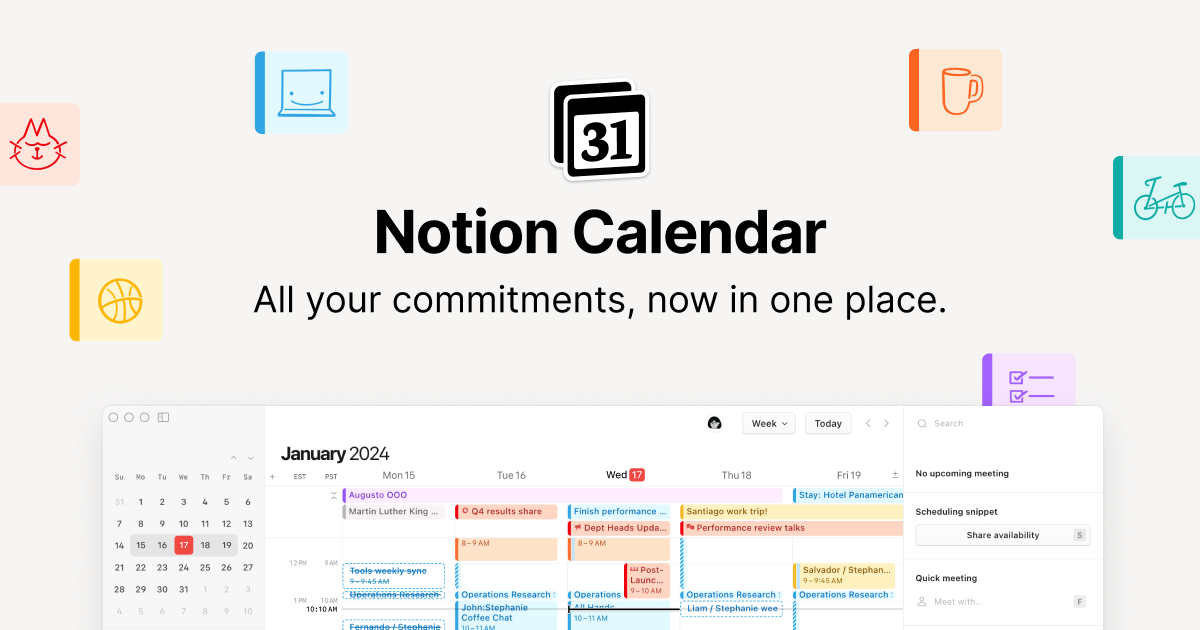
Beautiful calendar app, acquired by Notion in 2024. Fast, native macOS/iOS, with Notion-doc integration.
Key features
- ●Multi-account Google, iCloud, and Outlook calendar layering
- ●Lightning-fast keyboard-driven scheduling
- ●Notion page embedding directly on events
- ●Time zone overlay for global teams
- ●Menu bar app on macOS and Windows
- ●Mobile apps for iOS and Android
Best use cases
Multi-calendar power users
Layer personal iCloud, work Google, and side-project Outlook in one view.
Notion-native teams
Open meeting notes directly from the event without context-switching.
Global remote collaboration
Schedule with teammates across 5+ time zones using the overlay view.
Integrations
Similar tools
See all scheduling tools →Asana
86Asana — scheduling tool curated for working operators.
ClickUp
85ClickUp — scheduling tool curated for working operators.
Trello
85Trello — scheduling tool curated for working operators.
Compare side-by-side
Notion Calendar vs Asana vs ClickUp
Pros, cons, pricing, role-fit — all on one page.
Open comparison
One AI Stack pick every week.
The tool we’d pay for this week, why we’d pay for it, and what we’d skip. No promo spam.