Wondershare Filmora
Consumer AI video editor.
Best for
YouTubers, social creators, and small marketing teams who want pro-grade editing without Premiere's steep curve or Adobe's subscription.
At a glance
- Pricing
- freemiumfrom $8/mo
- Setup time
- 15 minutes
- Learning curve
- medium
- Last verified
- 5/19/2026
What we love
- ✓Beginner-friendly without sacrificing pro-tier capability
- ✓AI features are useful, not gimmicky — denoise and cutout work
- ✓One-time purchase option exists alongside subscription
Where it falls short
- −Watermarks on free version are aggressive
- −Renders slow compared to Premiere or DaVinci on the same hardware
- −Stock library quality varies — assume you'll bring your own
Pricing
✓ Pricing verified Jun 21, 20264 tiers
Free Trial
watermarked
- ✓All features
- ✓Filmora watermark
- ✓Limited cloud assets
Annual Plan
per year
- ✓No watermark
- ✓Stock library
- ✓AI features
Perpetual License
one-time payment
- ✓Lifetime license
- ✓Major version included
- ✓Stock subscription separate
Cross-Platform Bundle
per year
- ✓Windows + Mac + Mobile
- ✓All AI features
- ✓Premium stock
Why we picked it
Cheaper alternative to Premiere with AI features built in for non-pros.
Overview
Consumer-grade video editor with AI features baked in — text-to-video, AI translate, AI thumbnails. Strong for hobbyists.
Key features
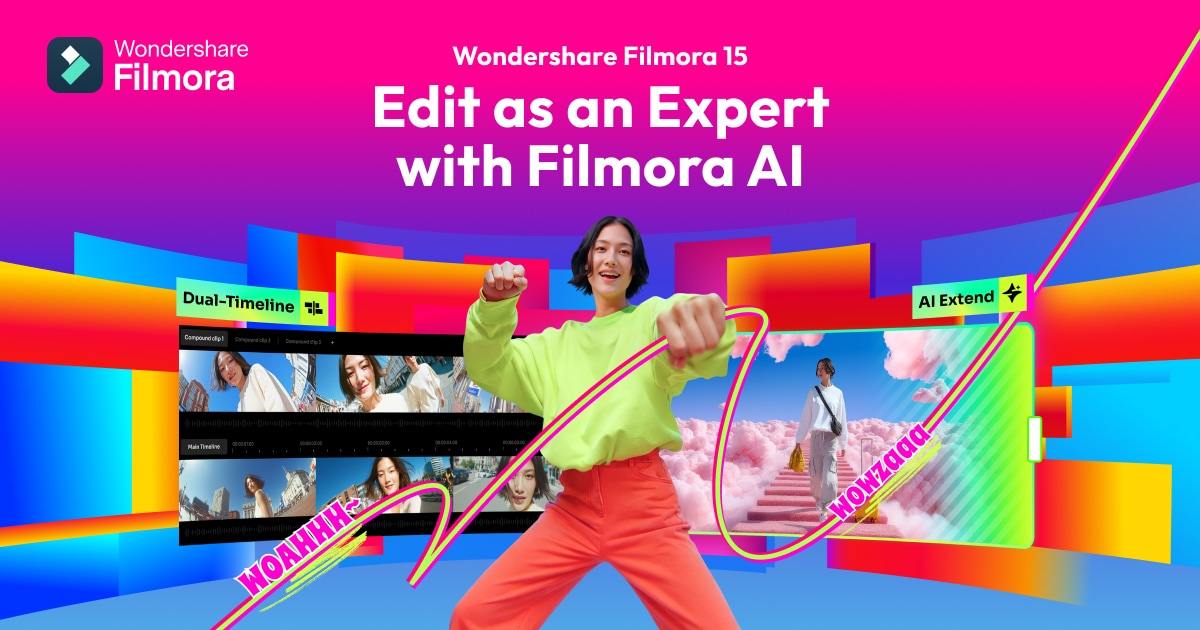
- ●AI features — copilot, smart cutout, audio denoise, text-to-speech
- ●Multi-track timeline with effects, transitions, and color grading
- ●Massive built-in stock library — music, sound, and footage
- ●Auto-captions in 20+ languages with style customization
- ●Speed ramping, keyframing, and motion tracking
- ●One-click export presets for YouTube, TikTok, Instagram, podcasts
Best use cases
YouTube content creation
Edit a vlog or tutorial with AI captions, denoise, and platform export presets in one tool.
Short-form social video
Cut TikToks and Reels with vertical templates, captions, and built-in music.
Marketing teams
Produce product videos and ads without hiring a video editor, at a fraction of Premiere's learning curve.
Integrations
 Instagram
Similar tools
See all video tools →One AI Stack pick every week.
The tool we’d pay for this week, why we’d pay for it, and what we’d skip. No promo spam.