75
Stack Score
Best for
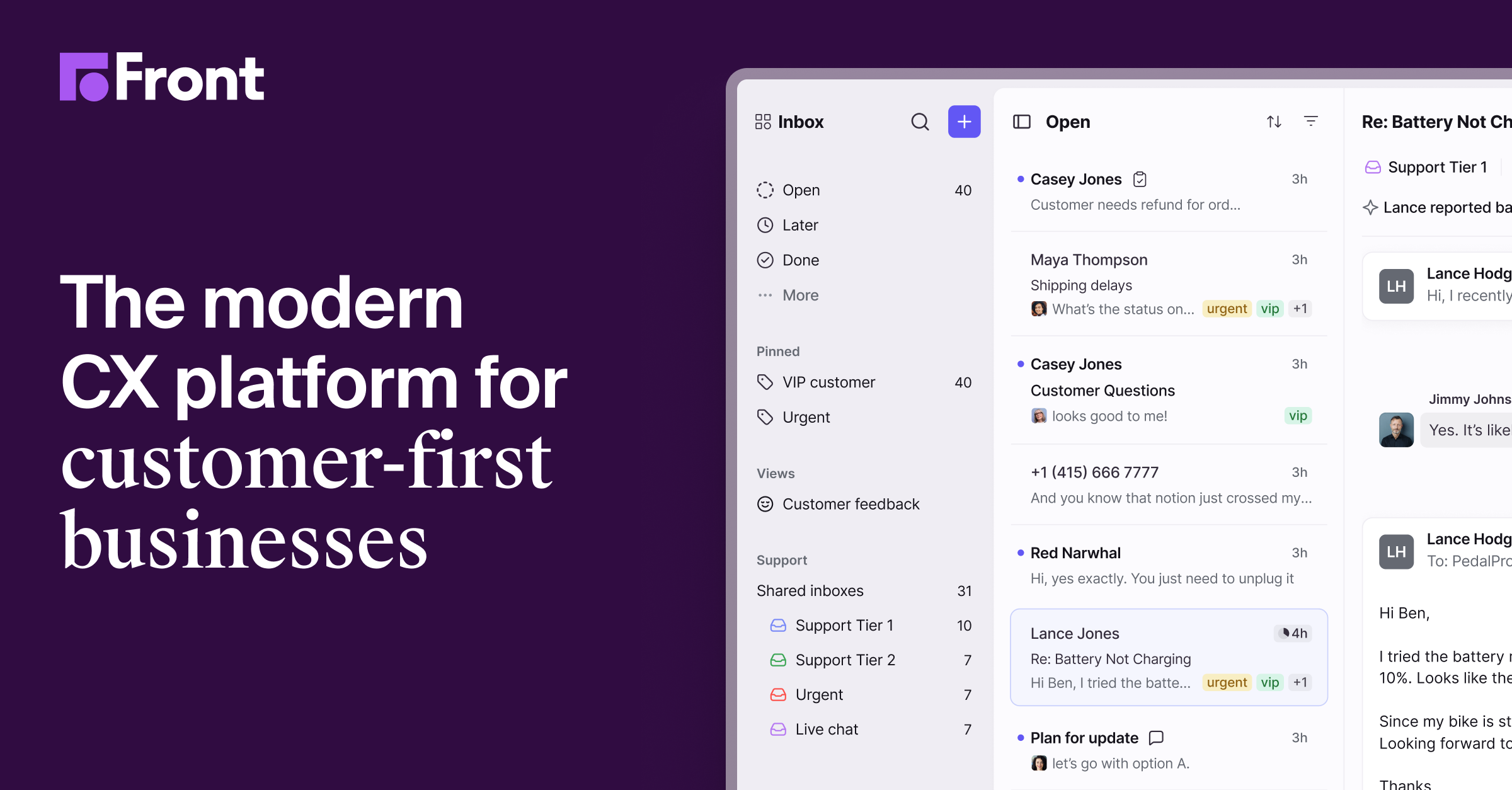
Customer-facing teams of 5-50 who need a shared inbox that feels like email but with assignment, routing, and AI.
At a glance
- Pricing
- paidfrom $19/mo
- Setup time
- 1 hour
- Learning curve
- medium
- Last verified
- 5/19/2026
What we love
- ✓Feels like Gmail, not like a ticketing system
- ✓Internal comments end forwarding chains across teams
- ✓Channel breadth covers more than help-desk tools
- ✓API and integrations library is genuinely deep
Where it falls short
- −Pricing per seat adds up for larger teams
- −AI features locked behind higher tiers
- −Mobile app is functional but feels less polished than web
Pricing
✓ Pricing verified Jun 21, 20263 tiers
Starter
$25
per seat / month, billed annually
- ✓Up to 10 seats, single channel type
- ✓Shared inbox and ticketing
- ✓AI Topics and up to 10 automation rules
- ✓Basic analytics
- ✓No-code public knowledge base
Professional
$65
per seat / month, billed annually
- ✓Up to 50 seats, omnichannel
- ✓Macros and up to 20 automation rules
- ✓Advanced analytics
- ✓Multiple workspaces, SSO, SCIM
- ✓AI add-ons available
Enterprise
$105
per seat / month, billed annually
- ✓Smart rules and unlimited rules/macros
- ✓Multi-language knowledge base
- ✓Custom roles and permissions
- ✓AI Copilot, QA, and CSAT included
- ✓Advanced AI tools
Why we picked it
Bigger than Missive. Pick based on team size and budget.
Overview
Multi-channel shared inbox (email, SMS, social) with AI routing + summaries. Customer-facing team default.
Key features
- ●Shared inboxes with assignment and internal comments
- ●AI summaries and draft replies per conversation
- ●Multichannel — email, SMS, WhatsApp, social DMs in one view
- ●Workflow rules for routing, tagging, and SLA escalation
- ●Live shared drafts so teammates collab before sending
- ●Analytics on response time, volume, and customer satisfaction
- ●Knowledge base and saved replies for fast answers
Best use cases
Customer success queues
Route inbound emails to the right CSM with SLA timers and internal comment threads.
Sales SDR inbox
SDR team shares one prospect@ inbox with AI drafts and assignment rules.
Logistics dispatch
Ops teams handle driver SMS, partner email, and Slack notifications from one shared view.
Integrations
 Shopify
Similar tools
See all email tools →Klaviyo
86Klaviyo — email tool curated for working operators.
Mailchimp
86Mailchimp — email tool curated for working operators.
Customer.io
83Customer.io — email tool curated for working operators.
Compare side-by-side
Front vs Klaviyo vs Mailchimp
Pros, cons, pricing, role-fit — all on one page.
Open comparison
One AI Stack pick every week.
The tool we’d pay for this week, why we’d pay for it, and what we’d skip. No promo spam.