75
Stack Score
Best for
Remote workers and customer-facing teams who take calls from unpredictable environments and need consistent audio.
At a glance
- Pricing
- freemiumfrom $8/mo
- Setup time
- 5 minutes
- Learning curve
- easy
- Last verified
- 5/19/2026
What we love
- ✓Noise cancellation genuinely best-in-class
- ✓Works without changing your meeting app settings
- ✓Free tier covers personal use forever
- ✓Low CPU overhead on modern machines
Where it falls short
- −Aggressive cancellation can clip soft consonants
- −Accent feature still feels uncanny and not always accurate
- −Pro features overlap with native Zoom and Teams noise tools
Pricing
✓ Pricing verified Jun 21, 20264 tiers
Free Trial
$0
7-day trial
- ✓Unlimited transcription
- ✓Unlimited noise cancellation
- ✓Unlimited AI notes & action items
- ✓Unlimited audio & video recording
- ✓Limited AI accent conversion
Core
$16
per user/month
- ✓Unlimited AI note-taker
- ✓Bot-free transcription
- ✓1 hr/day accent conversion
- ✓Hubspot, Slack, Zapier, Teams integrations
- ✓5 GB storage
Advanced
$30
per user/month
- ✓4hr/day speaker accent conversion
- ✓Unlimited listener-side accent conversion
- ✓Salesforce + Connectwise integrations
- ✓Advanced admin controls
- ✓30 GB storage
Enterprise
Custom
annual contract
- ✓SSO/SCIM
- ✓SOC2 + HIPAA compliance
- ✓Private on-device transcription
- ✓Dedicated account manager
- ✓Unlimited storage
Why we picked it
Background noise problem solver. Just install it; it works.
Overview
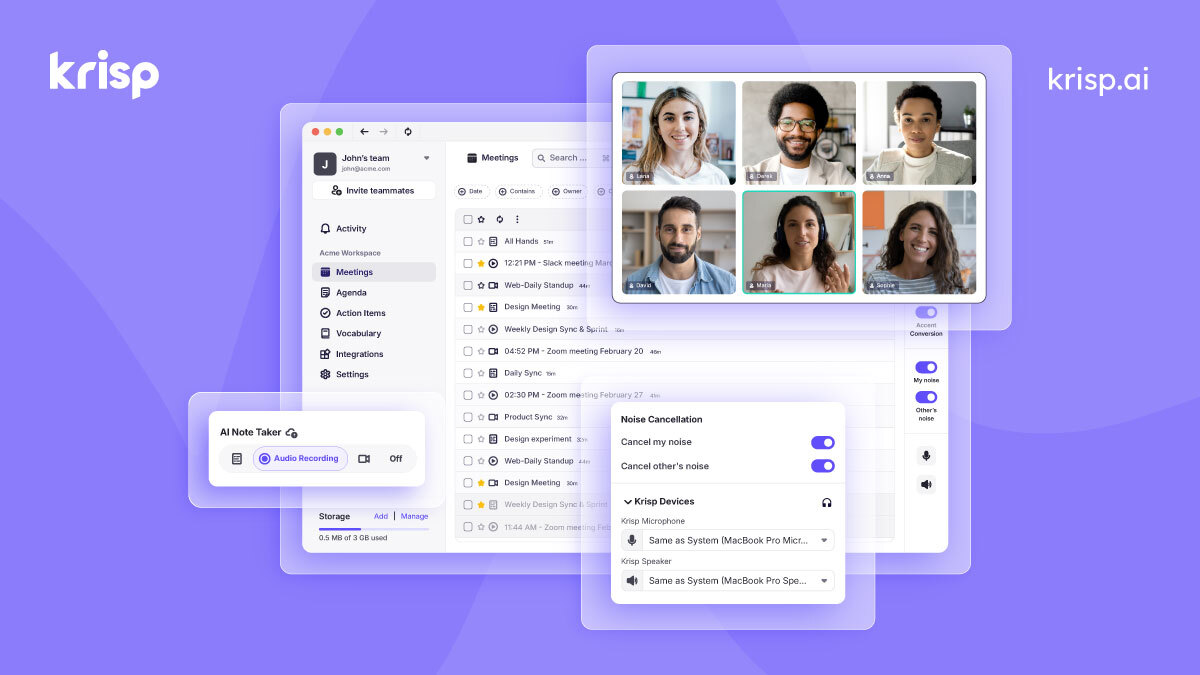
AI noise cancellation + accent translation + voice transcription. Sits between your mic and any meeting app. Krisp Notes adds meeting transcription.
Key features
- ●Two-way noise cancellation on calls — mic and speaker
- ●AI voice enhancement removes echo, hum, and room reverb
- ●Accent localization for non-native English speakers
- ●Meeting transcription and summary with action items
- ●Works system-wide across Zoom, Meet, Teams, Slack huddles
- ●Voice clarity meter showing real-time call quality
- ●Background voice cancellation — strips out other voices
Best use cases
Work from anywhere
Strip cafe, traffic, and household noise so you sound studio-clean on calls.
Customer support teams
Eliminate background office chatter from call center environments.
Podcast and content recording
Use as a real-time cleanup layer before saving raw audio.
Integrations
Similar tools
See all voice & audio tools →One AI Stack pick every week.
The tool we’d pay for this week, why we’d pay for it, and what we’d skip. No promo spam.