70
Stack Score
Best for
Sales reps and recruiters who write a lot of meeting-related emails and want time-detection plus a booking page in one workflow.
At a glance
- Pricing
- freemiumfrom $7/mo
- Setup time
- 15 minutes
- Learning curve
- easy
- Last verified
- 5/19/2026
What we love
- ✓Time detection in emails works as advertised — saves clicks
- ✓Booking pages are clean and customizable
- ✓Browser extension makes it usable across more surfaces than Calendly
Where it falls short
- −Smaller integration ecosystem than Calendly or Cal.com
- −Some advanced workflows still require Zapier glue
- −Roadmap and updates have slowed recently
Pricing
✓ Pricing verified Jun 21, 20263 tiers
Free
$0
forever
- ✓1 calendar
- ✓Basic booking page
- ✓Browser extension
Professional
$10
per month
- ✓Multiple calendars
- ✓Custom booking pages
- ✓Integrations
Team
$15
per seat / month
- ✓Round-robin
- ✓Team availability
- ✓Admin controls
Why we picked it
Underrated. The email-to-meeting drag is a genuine speedup.
Overview
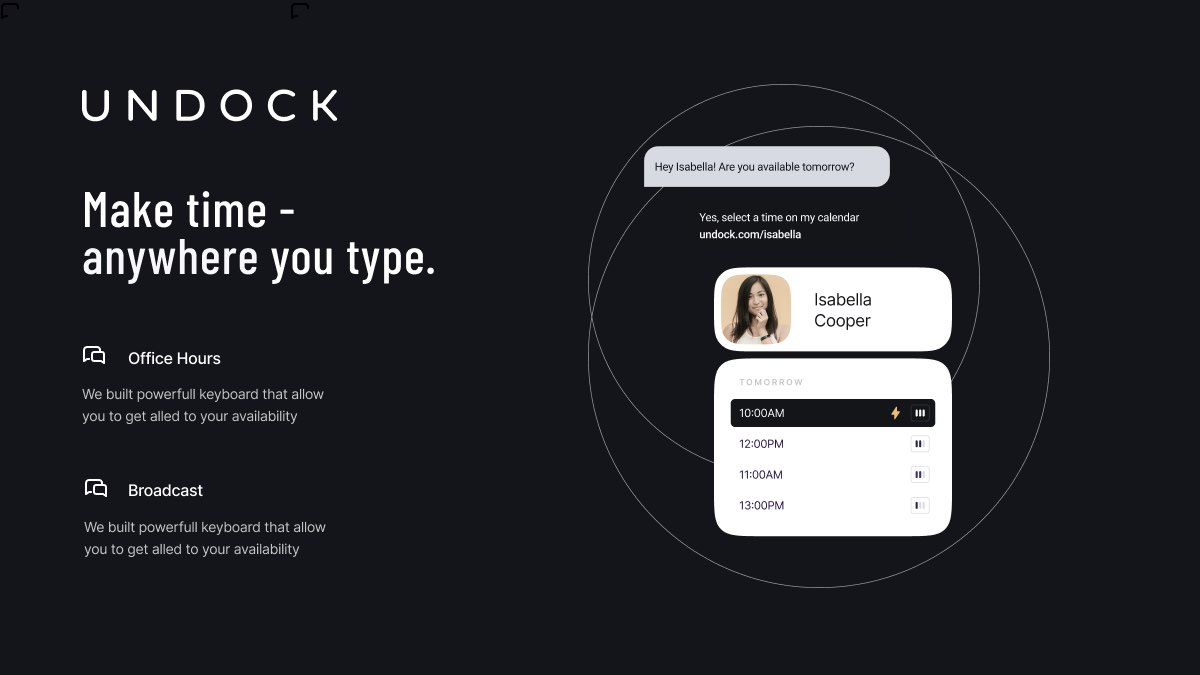
AI calendar assistant — drag emails into meetings, voice booking, time-zone helpers. Browser extension.
Key features
- ●Auto-detect meeting times mentioned in emails and chat
- ●One-click scheduling from anywhere you write — Gmail, Slack, LinkedIn
- ●Personalized booking pages with availability rules
- ●Calendar copilot that suggests focus time and conflicts
- ●Group polls and round-robin team scheduling
- ●Browser extension that surfaces times in any tab
Best use cases
Sales scheduling
Drop a booking link into prospect emails and let the calendar copilot handle the back-and-forth.
Inline meeting capture
Spot times mentioned in any email or chat and one-click confirm to the calendar.
Team round-robin
Distribute inbound meetings across SDRs or CSMs based on availability and assignment rules.
Integrations
Similar tools
See all scheduling tools →One AI Stack pick every week.
The tool we’d pay for this week, why we’d pay for it, and what we’d skip. No promo spam.